by Guest Writer Brett “Bert77” Palmer

Introduction
Okay, let’s start at the beginning.
I have only had my PC about 18 months. The main reason I got it was because I wanted to get back into flight sims having been a fan back in the early days. Someone showed me Falcon 4: Allied Force on their PC and my mind was made up.
My system is as follows:
- Athlon AMD 2200
- 768MB DDR RAM
- GeForce FX5200 – 128MB
- 130GB hard drive
Not the most up-to-date or powerful system, but seems more than capable of running F4:AF on full settings and a reasonable frame rate of about 30fps (and upwards).
My experience of Falcon 4 up-to-now has been of a completely unpatched and unmodded version (I can hear the gasps of horror from here!) so after reading the development notes at Lead Pursuit and speaking to people at various forums, I was expecting a lot from F4:AF.
The thing which always attracted me to Falcon was the realism, depth, and attention to detail so I was keen to see if some of the annoying bugs from the original had been ironed out. I had never really had any big issues with CTD’s — but more just with annoying glitches in the game play and the AI.
So, my disk arrives in the post and I install it. Put the disk in the drive, a couple of mouse clicks and it’s done within minutes. Very painless. I’m greeted by a great new video intro and a new menu screen. All very well laid out and simple to use. When I played the original Falcon 4, I only used the simplified avionics as I never really got around to learning it on full realism. This time I am starting from scratch and wanting to work through the training missions one-by-one. I realize that this is going to take some time as there is a lot to learn. But I also realize that to appreciate this sim to the full capability, it’s the only way to do it.
Training
I am familiar with the basics of flying the F-16 and as far as I can see, a lot of the controls are the same in F4:AF as they are in the original version. I decide that the first thing I want to try out is the new ramp start feature before I move on to the radar modes and weaponry lessons. I load up a campaign mission on full settings and select “ramp start”. Following the step-by-step instructions is relatively simple considering the complexity of the procedure. I find a couple of the switches a little tricky to locate and it takes a while for me to work out that the idle detent is “alt-I” not “shift-I” as stated in the manual. Eventually I get there and hear a satisfying roar as the jet comes to life. The rest of the procedure amounts to switching all the equipment on.
The navigation system needs to be left for several minutes to calibrate itself so the whole process does take up quite some time (as highlighted to me by my wife who came in to see what I was doing — an hour after I disappeared with the disk — only for me to inform her I hadn’t even left the tarmac yet!). I suspect the ramp start option will be only used regularly by the real die hard simmers as it takes about 25 minutes from start to finish and I don’t always have that sort of time-to-spare. But it is a very nice touch and quite satisfying. I then attempt to taxi to the runway and it is at this point, as I careened towards and then into the control tower, that I fully appreciated the “shift-/” joke I have seen so many times on the forum! I’ll leave you to discover this one for yourself if you haven’t already!
Having accomplished the ramp start, I decide its time to plow onward with the training missions.
Being familiar with the basic flight maneuvers, I skip them and start working through the section on navigation and timing. All very easy to follow thanks to the basic step-by-step nature of the tutorials in the PDF manual. Although I am keen to work through these, there is still a part of me that wants to do some mud moving so I also set up a campaign using the simplified avionics so I can get a feel for the campaign element in between my lessons. For any newbie reading this report, I do suggest that this is a good way to approach AF as you can learn at your own pace while also getting a bit of campaign action at the same time. At this point I would also like to add that there are a number of people in the SimHQ F4:AF Forum who can offer great advice to us newbies, and also offer links to training guides, which I myself have found very useful. BeachAV8R being one of these people.
So far I have managed to work my way through the training missions which cover radar modes (both A-A and A-G), A-A weapons, and A-G weapons. This has taken me the best part of two weeks, but now I am at the stage where I’m running a campaign using realistic avionics and have a realism rating of 95 as opposed to 20 using simplified avionics. Okay, so I’m not an expert yet, but I am about 20 missions into the campaign and coping quite well with the enemy skill set to rookie.
One area I am finding a little tricky to get to grips with is targeting moving ground targets. Static targets seem to be a reasonably straight forward process. Generally, the steerpoint is over the target and you can find it without a problem. Moving targets however are a completely different proposition. I have found that when you get to the steerpoint, nine times out of ten there is nothing there. I have the radar in GMT mode but nothing shows up. If you deviate out from the steerpoint you may find some moving targets but are they the ones you were sent to destroy? Let’s hit them anyway. On many occasions this has happened to me only to find out on my debrief that I haven’t touched my assigned target. Where were they then? Maybe they were not moving and that’s why they didn’t appear on my radar? I’m not sure, but I suspect this is some sort of “pilot error”. I need to go back to the tutorials and read up a little more.
Related Posts:
Related posts:
 A New Pilots First Look at Falcon 4.0: Allied Force Page 2
A New Pilots First Look at Falcon 4.0: Allied Force Page 3
A New Pilots First Look at Falcon 4.0: Allied Force Page 2
A New Pilots First Look at Falcon 4.0: Allied Force Page 3
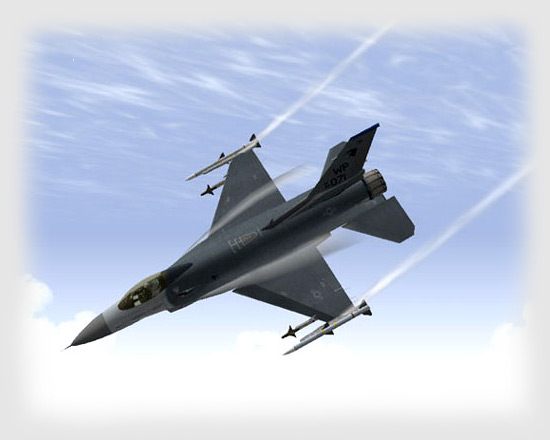 Falcon 4.0: Allied Force
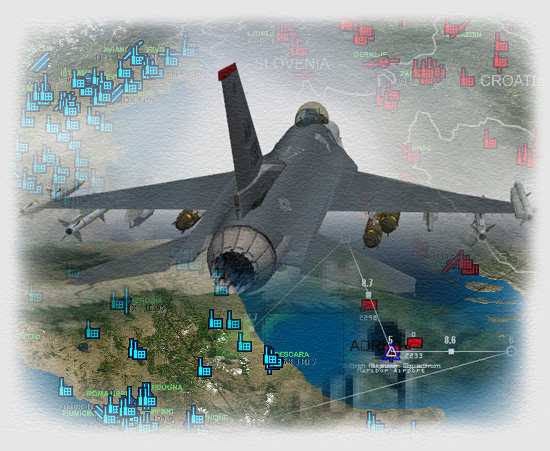 Falcon 4.0: Allied Force – Part 3
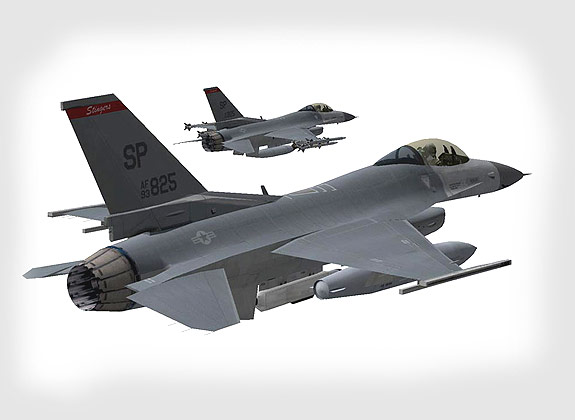 Falcon 4.0: Allied Force – Part 4 Page 8
Falcon 4.0: Allied Force Page 7
Falcon 4.0: Allied Force – Part 4 Page 8
Falcon 4.0: Allied Force Page 7
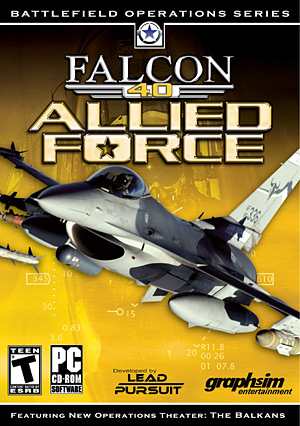 Lead Pursuit’s Falcon 4: Allied Force Page 3
 Tom’s HiTiles for Falcon 4: Allied Force Page 2