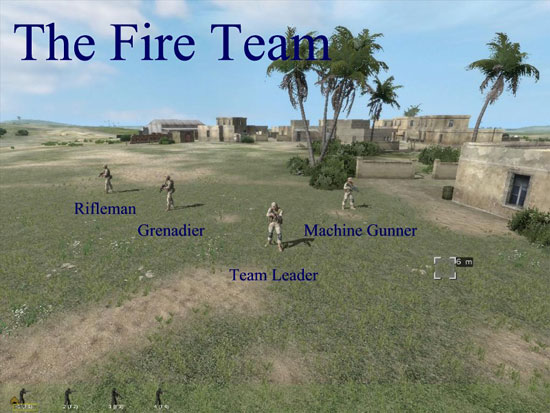
As a squad leader, order your squad into fire teams using the “Assign” menu of Armed Assault. Also order your AI to “Hold Fire” and “Combat Mode, Danger”. This keeps them from firing too early and makes them go into the prone position whenever you stop.

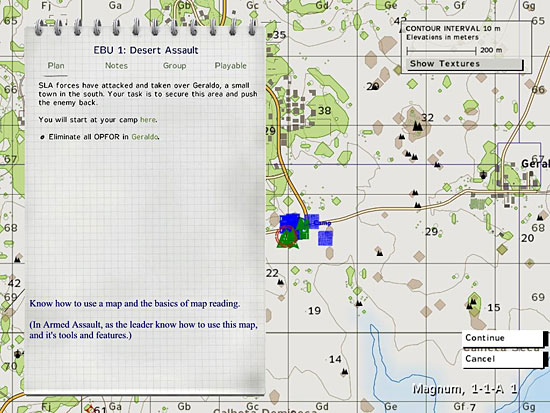
We move out in wedge formation towards the town from waypoint 1 to waypoint 2. Noticed how I used the hill to approach the town for protection and not be seen.

Now as a squad leader, most of my mission time is watching, observing, ordering, and adjusting my orders to my fire teams. Don’t watch individuals. Concentrate on the entire fire or support teams as a group.
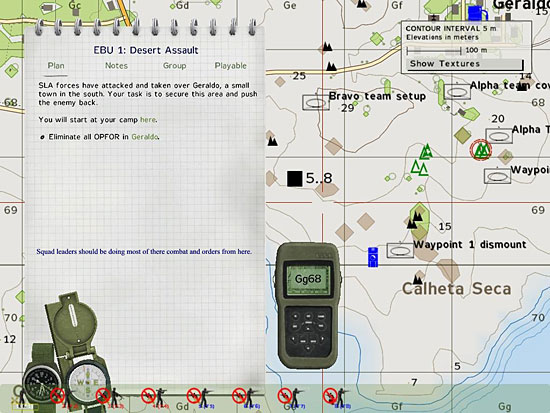
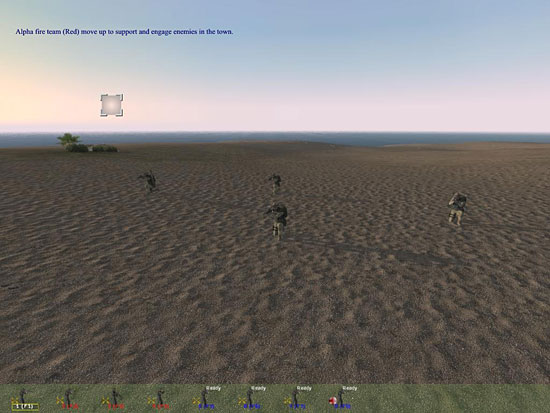
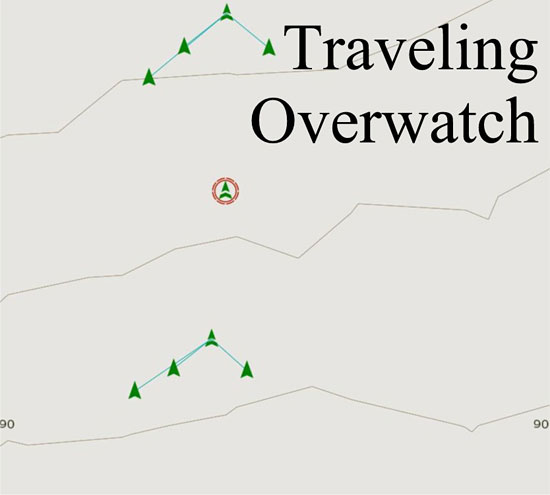
Once I have both alpha team (red) and bravo team (blue) in position, I order an “Open Fire” in the target menu. Alpha team then moves up to the hills ridge, overwatches the town, and opens fire on targets.
Bravo team moves into location and opens fire.

Related Posts:
Related posts:
 Tactical Briefing 01: Meet the Squad
 Page 2
Tactical Briefing 01: Meet the Squad
Tactical Briefing 01: Meet the Squad Page 2
 Tactical Briefing 03: Squad and Fire Team Movements Page 2
 Tactical Briefing 05: How to Plan and Execute a Squad Sized Assault
 Page 2
Tactical Briefing 05: How to Plan and Execute a Squad Sized Assault Page 3
Tactical Briefing 05: How to Plan and Execute a Squad Sized Assault Page 5
Tactical Briefing 05: How to Plan and Execute a Squad Sized Assault Page 6
Tactical Briefing 05: How to Plan and Execute a Squad Sized Assault
Tactical Briefing 05: How to Plan and Execute a Squad Sized Assault Page 2
Tactical Briefing 05: How to Plan and Execute a Squad Sized Assault Page 3
Tactical Briefing 05: How to Plan and Execute a Squad Sized Assault Page 5
Tactical Briefing 05: How to Plan and Execute a Squad Sized Assault Page 6