The Scenario Editor
Ah, the Scenario Editor, it’s back with a vengeance. This powerful little tool allows you to create scenarios for any battleset in Harpoon Classic 2002 Gold without much trouble, from very simple, small engagement, to huge battles (as long as your computer can keep up). I, unfortunately, cannot use it very effectively. The most I can do is create sizeable air campaigns, but that’s about it. Whether that will ever change is questionable, but it’s not something I’m really striving for. The ability to edit existing scenarios is satisfying enough. Interesting to note is that you can edit both official (Battleset) scenarios, and user-created ones. I even managed to fix a broken scenario once using the scenario editor, it appeared to have a group in it that did not contain any actual units, and was thus crashing the game.
Once you’re through with designing your Ultimate Scenario(TM), you can always take a look at the analysis made by the program. Always interesting, that way you can see some stats concerning the scenario, and how’s it played out.
My limited experience with the SE has been satisfactory. You can set timed events such as incoming air strikes and such, as well as specify specific loadouts aircraft should have at the start of a scenario. It’s all crisp and clear, and because it closely resembles the game engine when it comes to functionality, it’s really easy to get into, but hard to master, I should think.
The Platform Editor
Ah, the grand Platform Editor. If the tremendous amount of scenarios, and your very own scenario editor can’t keep you playing forever, then the Platform Editor can, and will. This nifty little tool (for which you require the Access runtime), you can edit and create platforms, weapons, loadouts, sensors, the lot. Want to add in your country’s navy? See a platform the development team hasn’t included that is in your navy/air force? Well, why not add it yourself? But how do you do this?
And that’s precisely the problem with the Platform Editor. For someone who’s brand new to this kind of thing, it appears a bit daunting at first, I should know. If you understand all the terms used in-game, you’ll get going pretty quickly, but even so, there is no manual. Yes, that’s right, you’re left pretty much in the dark on what all the fields you fill in are actually meant for. Yes, there is a small document available going over the basics of working with databases and editing, but it’s not nearly enough. This is something I think the development team should look into it. But I’ve gone over this problem already, so what the hell.
Other than that, this is the icing on the cake, it supplements an already astounding product, and breathes new life into the game, and its community. I’m going to try and see if I can’t mess around with it enough that Harpoon will become more like a WWII sim than a contemporary wargame. Wish me luck.
One other gripe I do have with the Platform Editor, is that it’s a bit confusing to know what you can actually do with the database once you’ve exported it and are happy with your new platforms. I mean, what about official patches and database updates, for example, how does that fit in? Sounds to me like you’re going to have a field day trying to keep all your files sorted right.
Related Posts:

Related posts:
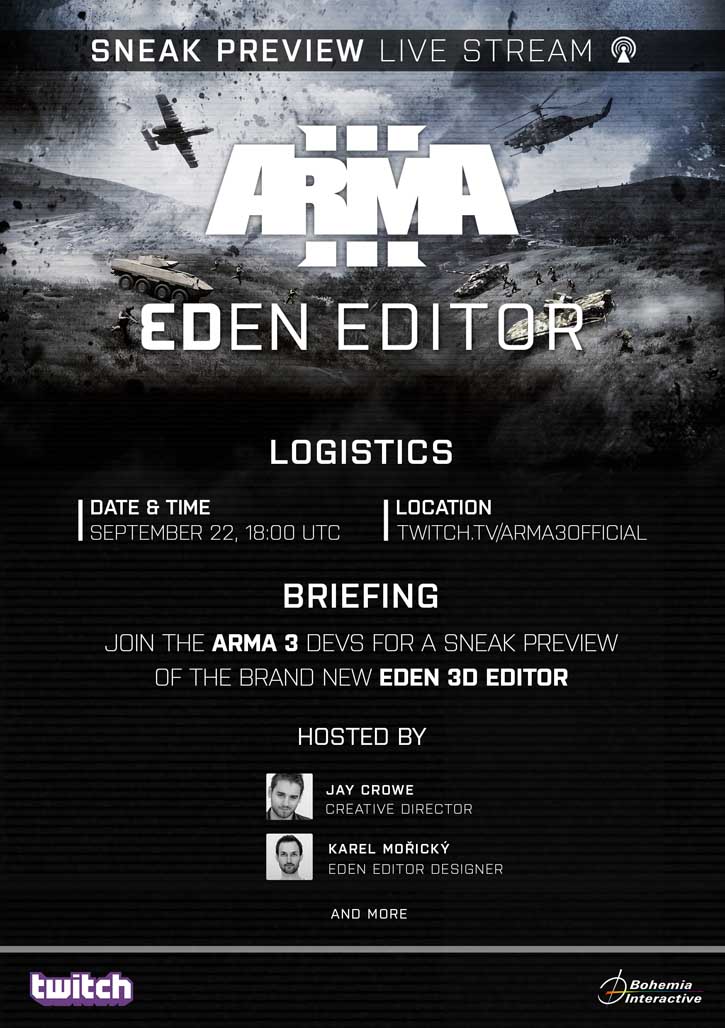 ArmA 3 – Eden Editor Sneak Peak Incoming
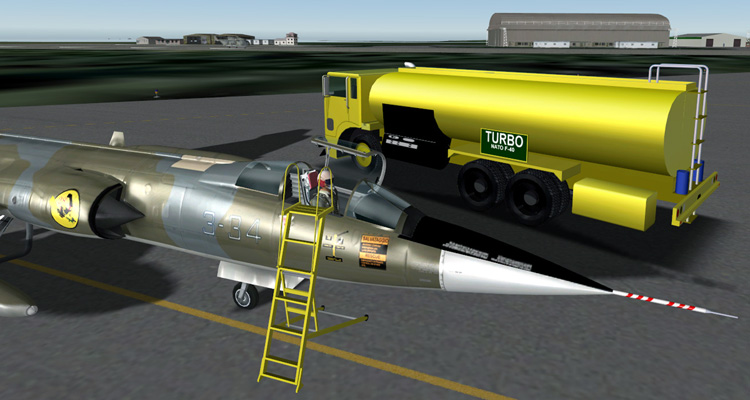 Classic Jet Simulations CF-104 for X-Plane 9.x Page 3
 Harpoon 4
 Harpoon Classic 2002 Gold Edition
 Harpoon Classic 2002 Gold Edition Beta: A Blind Eye’s View
Harpoon Classic 2002 Gold Edition Page 2
Harpoon Classic 2002 Gold Edition Page 4
Harpoon Classic 2002 Gold Edition Beta: A Blind Eye’s View
Harpoon Classic 2002 Gold Edition Page 2
Harpoon Classic 2002 Gold Edition Page 4
 M4 Tank Brigade Classic – Now Available