The Profiler (Z Engine)
Once I finally got the Z engine program working on my system, it is a thing of beauty — except for some screw up programming decisions.
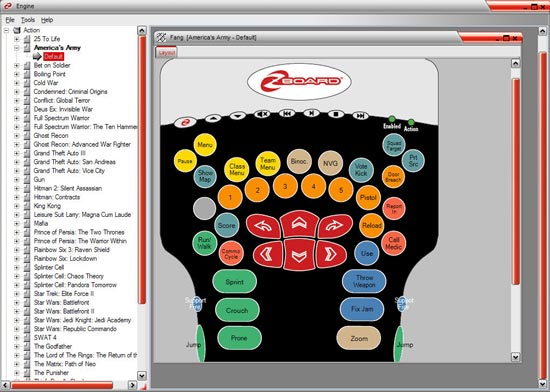
It puts a nice icon in your tray, green meaning it’s working, red not. You can “Right Click” and open the Z engine software, or select a “Default” profile. Oddly, it doesn’t let you select any of the profiles listed, or even the ones you used recently. To select a profile you have to open Z engine and then select it from over 100 game profiles.
Another oddity — you can’t program your own profile or adjust one to fit your needs. It’s either all or nothing from Z Engine. (This is said to be fixed and added in a near future update, but I’ll believe it when I see it.)
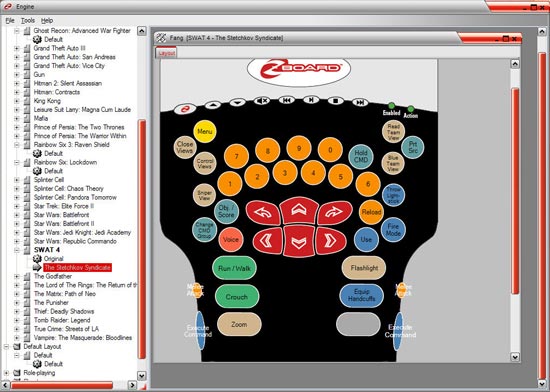
When you select a profile, the profile overlay will come up in graphic form which is nice because then you can print out a chart for each game you play. The print out feature is very nice and appreciated because most games will use the same movement keys but weapons, equipment, and other commands change from game to game.
Conclusion
The device is fantastic. It will take some time to get used to the keys layout and functions unless you’ve used a similar device in the past, but once your fingers feel comfortable moving around the nicely laid out device, it just may be your new baby PC toy.
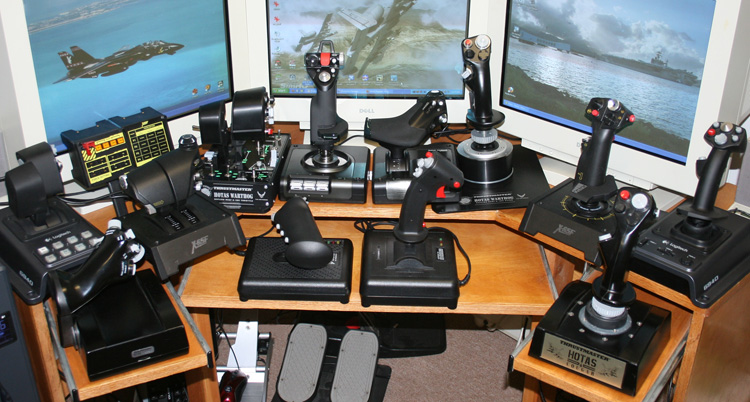
It’s plastic but sturdy, and hasn’t slipped much in use — unlike my X52 HOTAS with the suction cups bottom; that thing slides all over the place usually once I’m in virtual trouble. The Fang device has small rubber feet that hold it well. Maybe not as well as super glue but well enough for steady control.
The Z engine software that is needed to get the most out of the Fang is a nice and simple program. Printing out your profiles is a nice feature and needed when playing multiple games. But the trouble I had installing it took a day of gaming away from me, and the fact that you can’t edit or make your own profiles (yet), is absurd with a nice device like this.
The cost of complete package — less then most PC games — make this a winner if you’re into this type of device. If you’re happy with your keyboard, save your money and buy a new game. But if you like these neat little toys, especially if you’re a fellow left handed gamer like me, then try it out. I think you may be impressed with your new toy.
System Specs
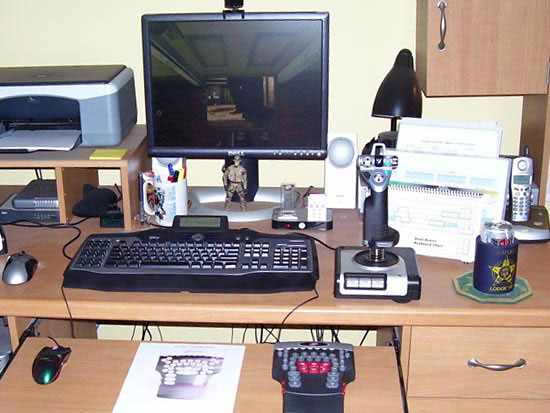
- Dell XPS Gen 4
- Pentium 4 3.75GHz
- 2GB of DDR2 RAM
- Raedon 850XT w/ 256 video ram
- Audity Sound Card
- Windows XP Media Edition
We want your Feedback. Please let us know what you thought of this article here.