Evaluating the TrackIR 3-Pro™
The TrackIR3 claims to increase resolution and tracking frequency significantly over earlier models of the TrackIR. The TrackIR3 comes in two versions, the standard version (not reviewed), or for $30 USD more, the Pro version. For $139 USD you get the TrackIR3 device, a sheet of reflective dots, and software to install the device on your computer. Depending on when you get your CD-ROM, you may be better off going to theNaturalPoint download page and grabbing updated drivers and software.
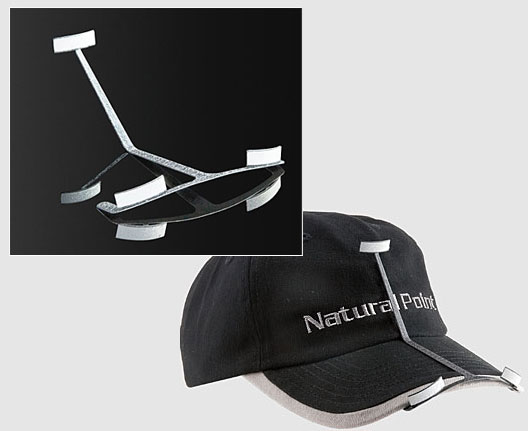
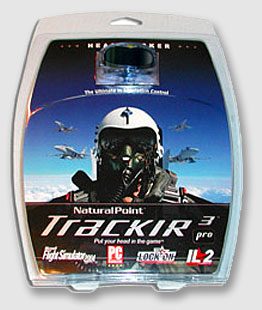 Installation was very straight forward. All you have to do is install the software, plug in the device and you are ready. Pretty much all you have to do to start working with the TrackIR3 is fire up the software, place a reflective dot on a hat or some other item placed on your head (I use the optional NaturalPoint cap which can be ordered with the device), make sure you are centered on the device and away you go.
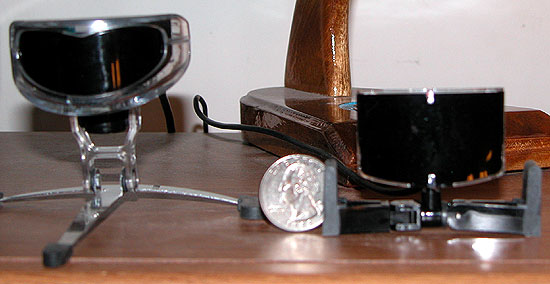
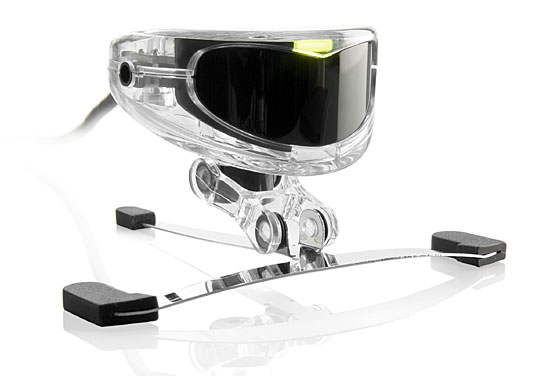
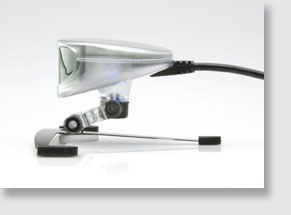
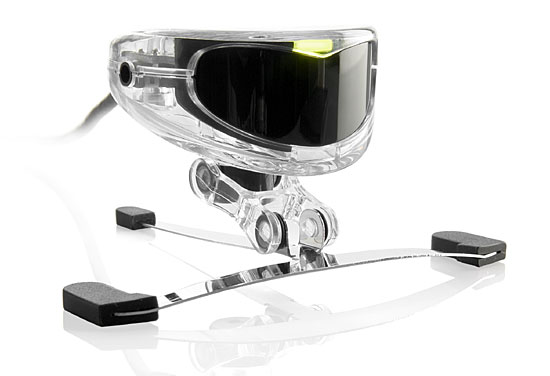
Outwardly the TrackIR 3-Pro looks no different than the TrackIR2. Place them side by side and I doubt too many people could tell the difference. One problem I had with the TrackIR2, and still have with the TrackIR3 is the inability to easily mount the device on a flat panel monitor. The device is obviously designed to sit on a standard CRT monitor. There is a clip that you can get for one dollar from the site that can fix this or you can devise a homemade fix.
I found that two pieces of self adhesive Velcro fixes the problem for me. Personally, I think for $139 bucks a dollar clip should have been included with the unit — at no charge. A minor complaint, but with the prevalence of flat monitors these days NaturalPoint shouldn’t make people go and look for the fix. I myself didn’t even know it existed until I started squirreling around the site looking for pictures.
Editor’s Note – July 31, 2004: NaturalPoint is now including the flat panel clip.
The only real visual difference (at least externally) between the two is when the device is on. When turned on four eerily red lights project from device. This is supposed to increase the resolution of the device. My wife finds it disturbing, especially since I have the thing on constantly. I guess you can call that an added bonus.
The device allows for two different kinds of tracking. Mouse emulation mode is just as it sounds. The device acts as a mouse control device moving the TrackIR3 through motions as you move your head. This is useable with games like Aces High II and other games that allow for mouse cockpit movement. While useful, you do run into some problems with straight mouse emulation, mostly when trying to interface with the menus. You can still use your mouse to access these menus but it can get to be irritating for those of us that can’t seem to keep our heads totally still.
What really works with the device — and what really makes the TrackIR series outstanding — is the enhanced mode. Enhanced mode allows the device to track around the cockpit while at the same time allowing for independent mouse cursor usage. It requires the cooperation and help of game developers but most have quickly seen the advantages of having enhanced mode enabled in their games. LOMAC, IL2FB, WW2OL, and FS2004 are among the latest box games to incorporate enhanced mode in their games. Online sims are starting to come around as well. Warbirds 2004 and WW2OL support enhanced mode.
I will say this, any new simulation reviewed by myself will be evaluated for its support of enhanced mode for the TrackIR2. I will also say that any new simulation that doesn’t support enhanced mode is ignoring a potentially large portion number of buyers. In the near future, the lack of TrackIR support probably won’t cut it. It would be like not supporting hat switch modes or allowing the ability to re-key functions.