More on Controllers in DCS: Black Shark
I then went into the Options / Controls menu of the game and assigned my Direct X buttons. I cleared each of their default settings then began to assign my buttons and axis, in the game. There are assignments for:
Cyclic Buttons:

Collective Buttons:

Axis assignments:

As well as hundreds of other assignable features:

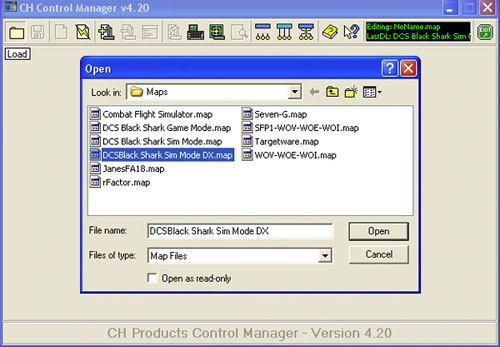
Once you’ve finished assigning your buttons and axis in the game, be sure to save and load them:

Related Posts:
Related posts:
 DCS: Black Shark – English Version Part 5 Page 5
 DCS: Black Shark English Version – Part 1 Page 3
DCS: Black Shark English Version – Part 1 Page 5
DCS: Black Shark English Version – Part 1 Page 6
DCS: Black Shark English Version – Part 1 Page 7
DCS: Black Shark English Version – Part 1 Page 3
DCS: Black Shark English Version – Part 1 Page 5
DCS: Black Shark English Version – Part 1 Page 6
DCS: Black Shark English Version – Part 1 Page 7
 DCS: Black Shark English Version – Part 2 Page 4
 DCS: Black Shark English Version – Part 4 Page 4
DCS: Black Shark English Version – Part 5
DCS: Black Shark English Version – Part 4 Page 4
DCS: Black Shark English Version – Part 5