Installation
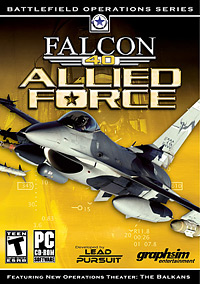 F4:AF comes on a single CD-ROM. The moment we were waiting for was very sweet indeed: the CD plopped in the tray and an automated installer took over from there. 20mm removed his previous F4 installation prior to loading F4:AF just to prevent possible conflicts.
The total install process took about 5 minutes resulting in a hard drive footprint of about 1.23GB. No more dance! You click “finish” and you’re ready to get into the game and configure it to your liking.
For the US version, F4:AF does not require the CD-ROM in the drive so you can store it safely away until you reinstall. Thank you, Lead Pursuit! It should be the same for other country releases, but we’ll have to see when the time arrives.
You will need a new logbook (.lbk) and mission (.tac) files.
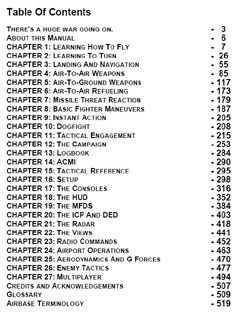
Included in the new F4:AF directory is a “docs” folder that contains the huge 18MB, 716-page, “Mother of All Manuals” PDF file. Kinko’s sales may take a sudden turn upward in the next several weeks. The manual eclipses even Dangerous Waters excellent manual in content. Also included in the docs directory is a line-up card, a map of Korea, and keyboard layout diagrams for many different languages.
The manual is simply superb. If there is something you need to know about flying or fighting the F-16, you will find it in this manual. The diagrams, illustrations, and in-game screen captures all supplement excellent text and formatting. The only curious thing that struck me about the manual is that the sim set-up section starts on page 298. I would have thought it would be in the first section, but nonetheless it is in there. Lead Pursuit would be wise to consider facilitating a resource to a printed and bound version as LOMAC players had available to them.
 |
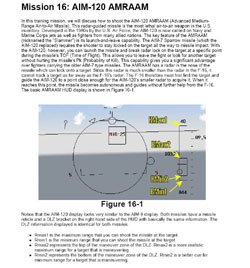 |
The end of the manual contains a nice section with airport diagrams for both the Korea and Balkan theatres. One thing I can say about the Balkan theatre: a lot of us are going to have to use phonetic spelling to get these names right!

Related Posts:

Related posts:
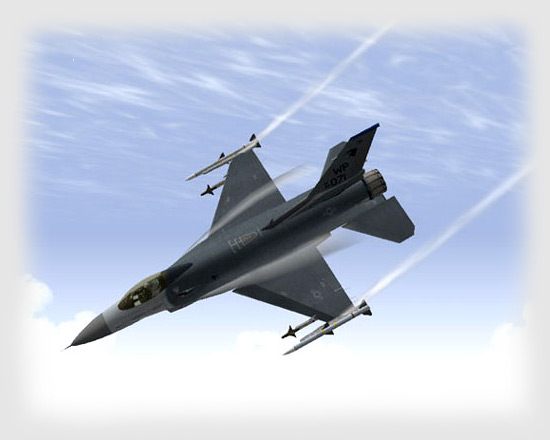 Falcon 4.0: Allied Force
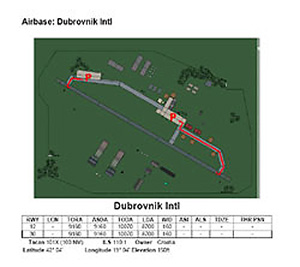 Falcon 4.0: Allied Force
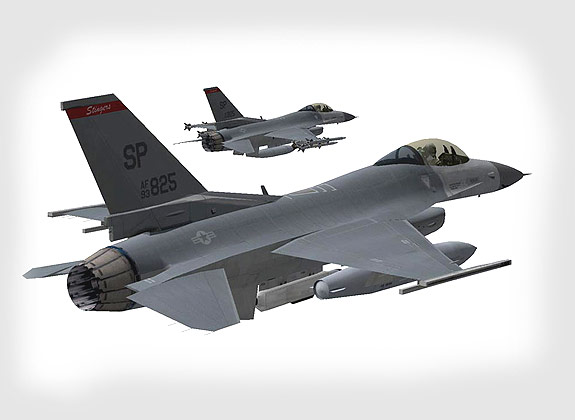 Falcon 4.0: Allied Force – Part 4 Page 8
 Falcon 4.0: Allied Force Part 5 Page 2
 Lead Pursuit’s Falcon 4: Allied Force
 Page 5
Lead Pursuit’s Falcon 4: Allied Force
Lead Pursuit’s Falcon 4: Allied Force Page 5
 Tom’s HiTiles for Falcon 4: Allied Force Page 2
Tom’s HiTiles for Falcon 4: Allied Force Page 4
Tom’s HiTiles for Falcon 4: Allied Force Page 2
Tom’s HiTiles for Falcon 4: Allied Force Page 4